Samsung Galaxy Z Fold 7 and Z Flip 7 are expected to run Android 16-based One UI 8 out of the box.
Google is expected to release the stable version of Android 16 in June or July this year.
We’ll likely get a full preview of Android 16 during the Google I/O 2025 event.
Samsung fans aren’t too happy with how the company has handled the One UI 7 (based on Android 15) rollout. This delay has left many Galaxy phone and tablet users frustrated, with some even wondering if it will impact the release of future updates like One UI 8. But there’s some good news for Samsung fans. A new report claims that Samsung will launch One UI 8 much faster than One UI 7.
 Survey
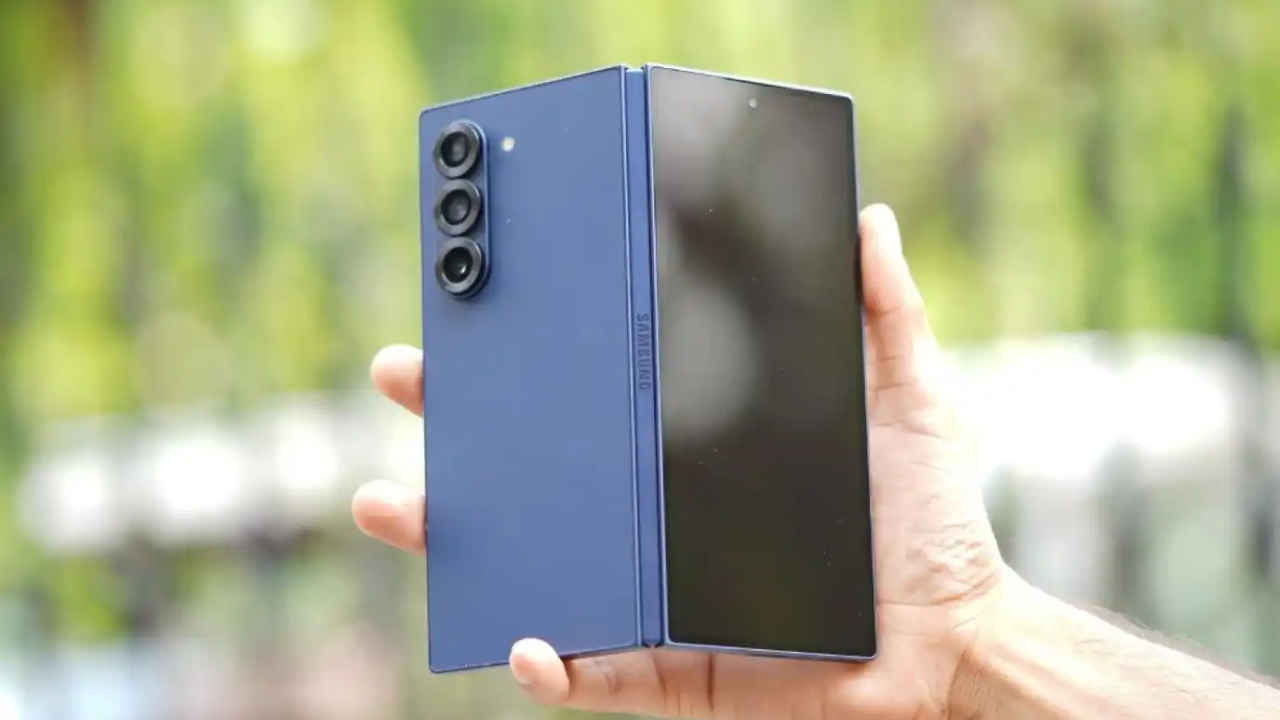
Insiders have told SamMobile that both foldables will run Android 16-based One UI 8 out of the box. Google is expected to release the stable version of Android 16 in June or July this year. That means Samsung could launch the Galaxy Z Fold 7 and Z Flip 7 just a few days or weeks after the official Android 16 rollout.


We’ll likely get a full preview of Android 16 during the Google I/O 2025 event, which is scheduled for May 20 and 21.
It’s still unclear whether Samsung will start a beta testing program for One UI 8. If it does, the Galaxy S25 series — including the S25, S25+, and S25 Ultra — will probably be the first to get access, according to the report.
Also read:Apple iPhone 16e available with Rs 7,000 discount: How to grab this offer
What’s new in One UI 7
Design and UI improvements
- Now Bar: A pill-shaped UI on the lock screen for easy access to music, timers, and navigation.
- New Icons: More recognisable stock app icons.
- Widgets: Enhanced customisation with a modern look.
- Revamped camera UI: Cleaner layout with easier zoom controls.
- Charging animations: A new green progress bar when charging.
- Smoother animations: Faster, fluid app transitions.
Customisation upgrades
- Vertical app drawer: Apps can be scrolled vertically.
- Lock screen: More clock styles, font options, and customisable widgets.
- Quick settings: Swipe from the top-left for notifications and top-right for Quick Settings.
Galaxy AI features
- Writing Assist: AI-powered text improvements across the UI.
- Call Transcriptions: This feature converts recorded calls into text in 20 languages.
- Now Brief: It displays AI-generated relevant info based on user habits.
- Audio & Object Eraser: Removes unwanted sounds and objects from videos.
 Follow Us
Ayushi Jain
Ayushi works as Chief Copy Editor at Digit, covering everything from breaking tech news to in-depth smartphone reviews. Prior to Digit, she was part of the editorial team at IANS. View Full Profile


