Microsoft Copilot can now not only generate AI images but also help you edit them.
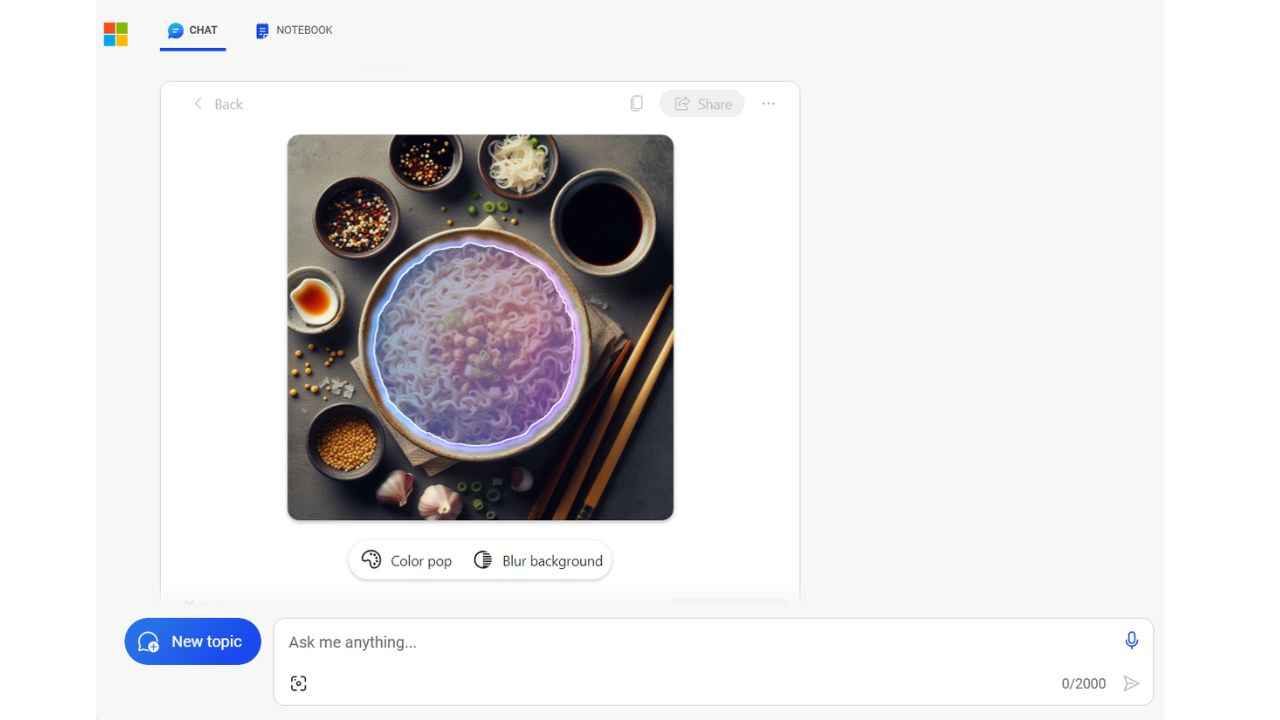
You can highlight an object to make it pop with enhanced colour, blur the background to emphasise your subject, and more.
If you’re a Copilot Pro user, you can now easily resize and regenerate images between square and landscape without leaving chat.
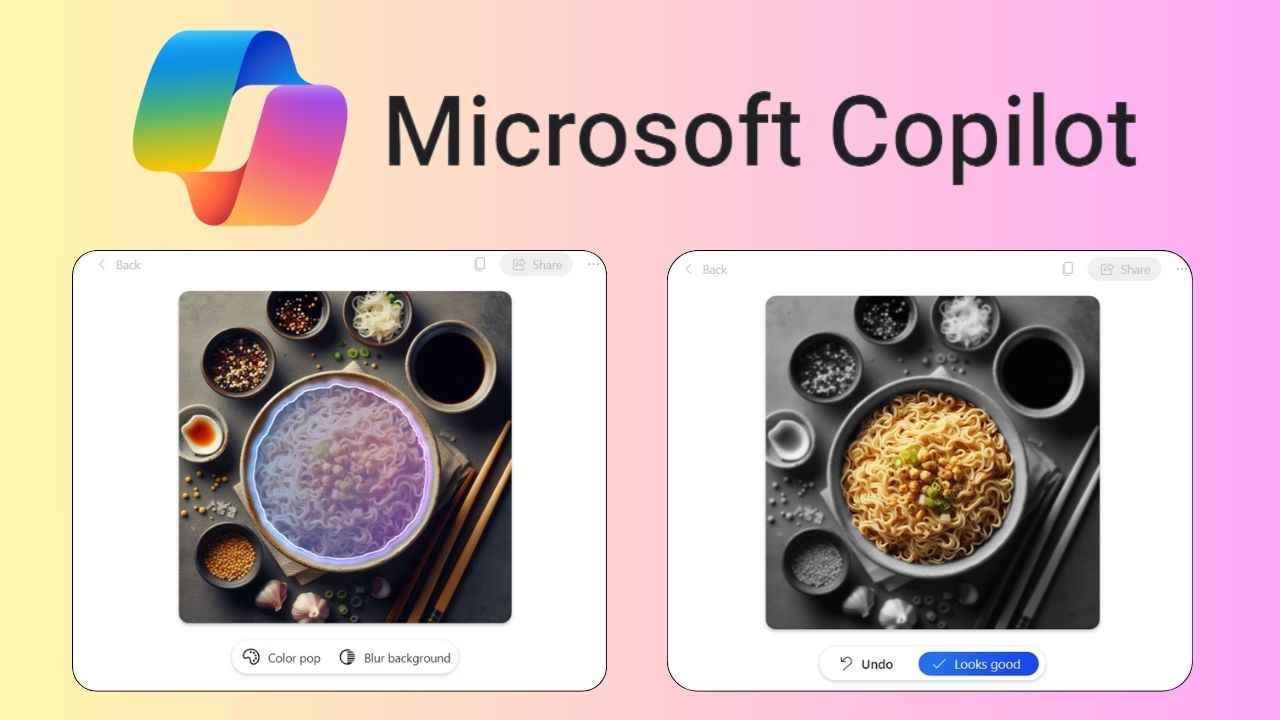
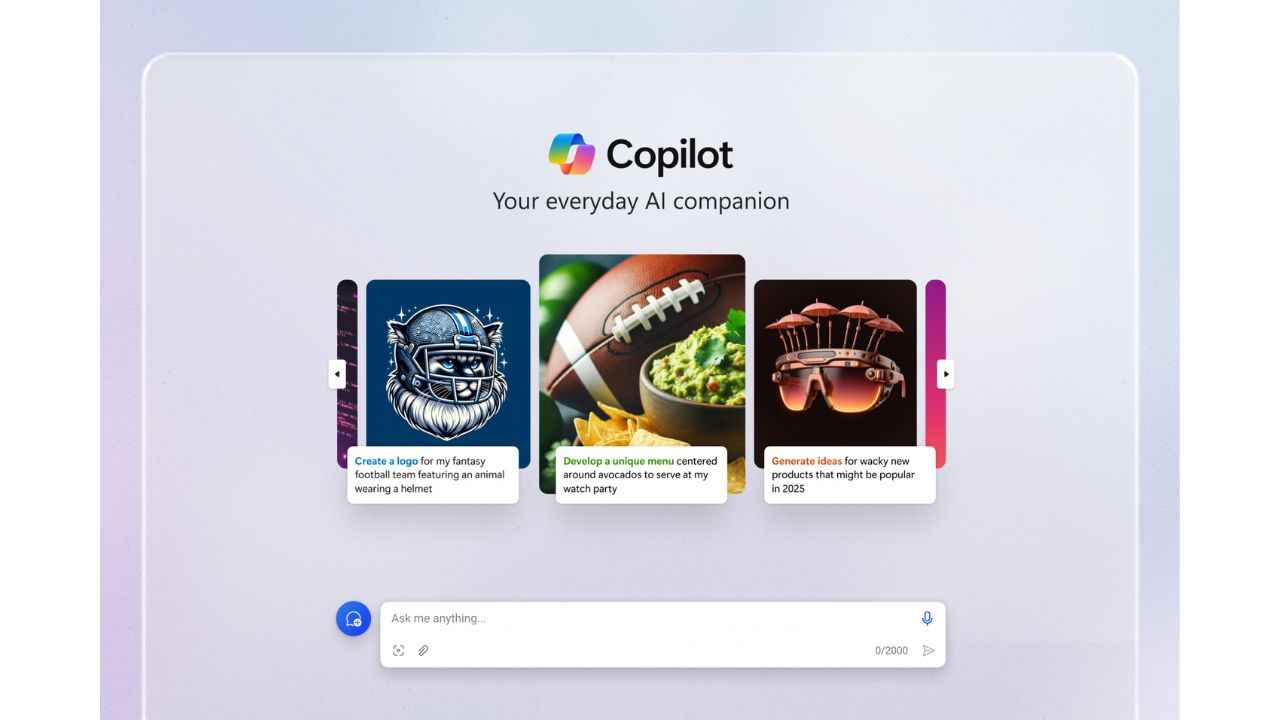
Microsoft has announced new features for Microsoft Copilot that will help users to edit AI-generated images. Along with the new features, the tech giant has also announced a design overhaul for Copilot. Moreover, Microsoft is adding a new carousel that will suggest prompts to showcase the power of Copilot.
 Survey
Let’s talk about the new features first. Microsoft Copilot can now not only generate AI images but also help you edit them.


Also read: Google Bard vs Microsoft Copilot, who generates better AI images? Here are the results
You can highlight an object to make it pop with enhanced colour, blur the background to emphasise your subject or apply unique effects like pixel art, all for free. In this way, users can unleash their creativity by editing AI-generated images to better suit their needs
Also read: What’s new in Microsoft Copilot Pro? Know here
If you’re a Copilot Pro user, you can now also easily resize and regenerate images between square and landscape without leaving chat. In our opinion, this streamlines the workflow by eliminating the need for separate editing tools or applications.
Moreover, Microsoft will soon roll out Designer GPT inside Copilot, which according to the tech giant offers “an immersive, dedicated canvas inside of Copilot where you can visualise your ideas.”
Let’s talk about the redesign. Now, when you visit Copilot, you will see a more streamlined look and feel. You will see a clean, sleeker look and feel for answers.
“AI is the defining technology of our time. Microsoft’s advancements in AI align with our company mission to empower every person and organisation on the planet to achieve more. With Copilot, we’re democratising our breakthroughs in AI to help make the promise of AI real for everyone,” the company said.
We can say that the new features and redesign of Microsoft Copilot aim to empower users with advanced AI capabilities while also enhancing usability and accessibility.
 Follow Us
Ayushi Jain
Ayushi works as Chief Copy Editor at Digit, covering everything from breaking tech news to in-depth smartphone reviews. Prior to Digit, she was part of the editorial team at IANS. View Full Profile


